I Fixed My Apex Settings and Stopped Fighting Rocks
Apex Legends settings guide reveals optimal sensitivity and graphics tweaks for smoother gameplay and pro-level aiming in 2026.
They say knowing is half the battle. In 2026, booting up Apex Legends on default settings still feels like swinging a pool noodle at a swarm of murder hornets while blindfolded. Except the hornets have Krabers and they have already pinged your death box. I learned this the hard way on day one. My sensitivity was so high that my aim reticle had a mind of its own; it would visit three POIs before settling on an enemy. My graphics were so pretty that my frame rate moved like a slideshow narrated by a sleepy tortoise. My poor Wraith looked less like an interdimensional skirmisher and more like a caffeinated squirrel.
The Sensitivity Trap
Most players are running too hot in one of two places: DPI or in-game sensitivity. The pros mostly keep DPI around 400-800 and use big, sweeping arm movements. TSM's ImperialHal, for example, runs 2.0 in-game sensitivity at 400 DPI. That is low enough to look boring on stream and high enough to make you feel like a flicking god once you adjust. If your current setting lets you do a 1080 no-scope with a sneeze, you are probably overcooked. Lower it. Then lower it again. Then throw away your wrist-only habits and buy a bigger mouse pad.
Quick starting point I wish someone gave me:
-
DPI: 400 or 800
-
In-game sensitivity: 1.5 to 2.5
-
ADS sensitivity multiplier: 1.0
-
Field of view: 100 to 110
-
Mouse acceleration: off, always, please
Frame Rate is King
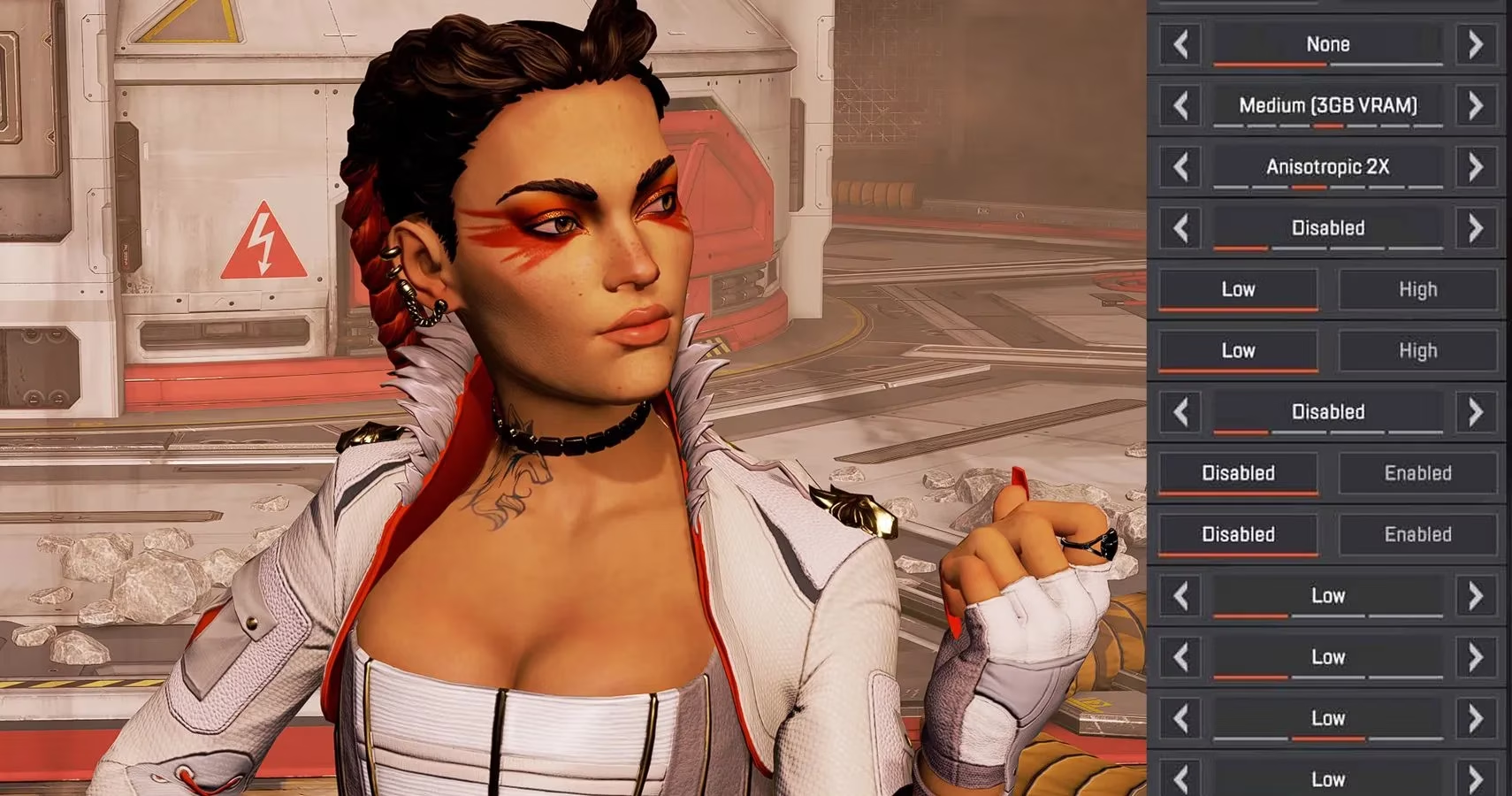
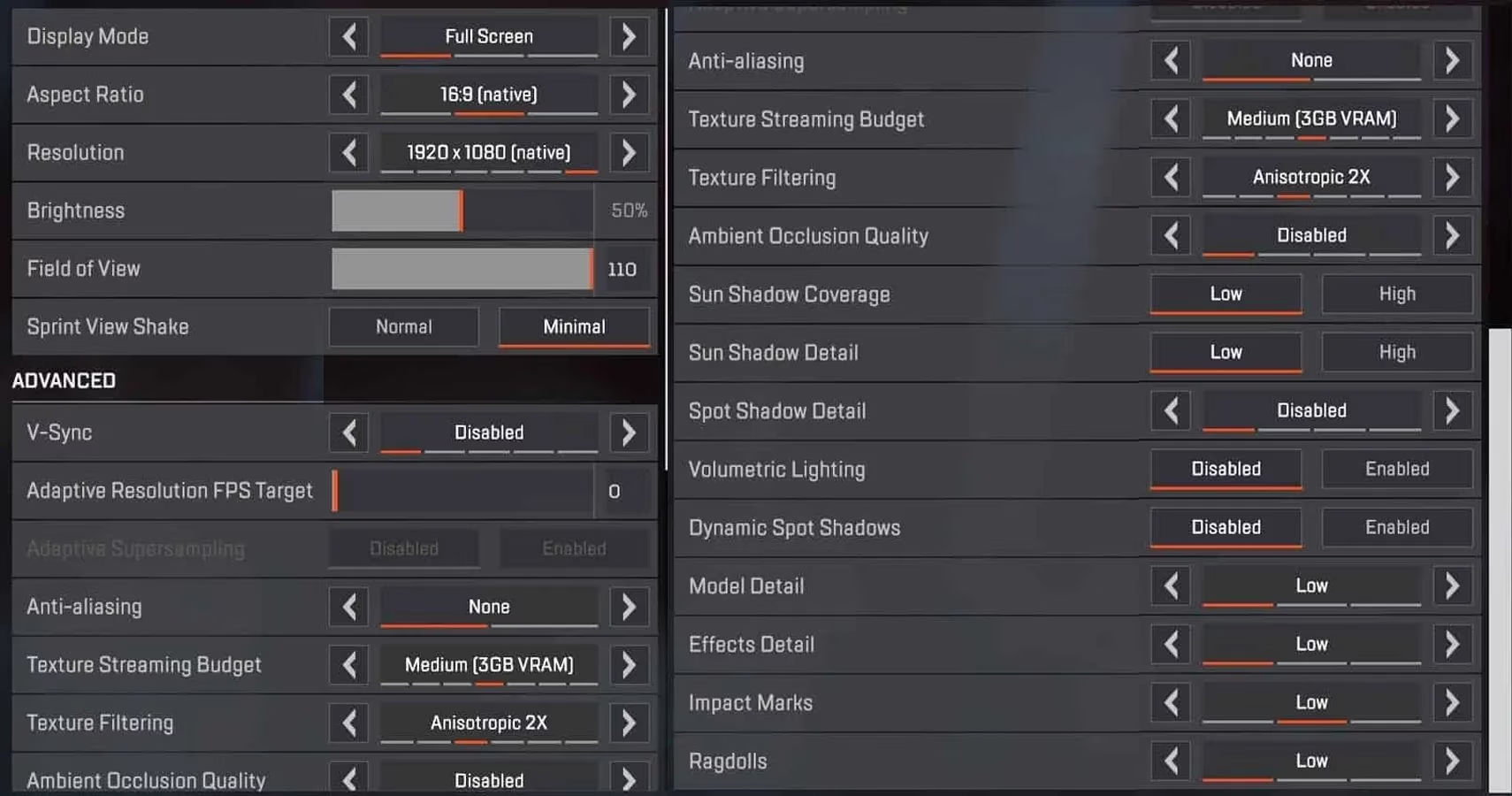
Pretty graphics are nice for screenshots, but Apex Legends is a fight, not a tourism sim. If your frame rate drops every time three squads meet in a small building, turn the detail sliders down until the world looks like Play-Doh. Your GPU will sigh with relief and your eyes will adapt faster than you think. Consistent frames beat cinematic shadows when you are trying to hit a flying Octane.
My Cold Showers and Tears Era
On release day, I was clueless. I lost fights to rocks. I missed shots on stationary supply bins. I took more cold showers and shed more tears than I care to admit. After doing my homework, fixing my settings, and actually practicing, I eventually hit Apex Predator multiple times and even collected some ALGS points. If a hopeless case like me can be saved by sliders, then a potato with Wi-Fi can absolutely improve.
...
The best advice is still to study aggregated pro settings data. There is a wonderful database called ProSettings that compiles configurations from nearly every relevant Apex professional. It is not magic, but it gives you a sane starting point. From there, tweak one setting at a time. Your muscle memory will thank you.
| Setting | Typical Pro Range | What I Use |
|---|---|---|
| DPI | 400-800 | 800 |
| In-game sens | 1.2-2.5 | 1.8 |
| FOV | 100-110 | 104 |
| Graphics | Low or off | Low |
| V-Sync | Off | Off |
The Hidden Menu Villains
Field of view is another sneaky slider. Too narrow and you are basically exploring the Outlands through a paper towel tube. Too wide and enemies become tiny ants with laser aim. Most pros sit between 100 and 110. V-Sync should be off unless you enjoy input lag that makes your legend feel like they are wading through syrup. Shadows, ambient occlusion, and fancy lighting? Off, off, and off. Your frame rate will reward you, and your kill feed will finally stop looking like a tragedy.
Final Click
You cannot buy aim, but you can stop sabotaging yourself. Default settings are like bringing a piñata stick to a gunfight. Adjust your sensitivity, let the frame rate breathe, and go practice in the firing range. Your legend will move smoother, your shots will land cleaner, and those cold showers can be reserved for actual post-victory celebrations.
Comments