A Tarnished’s Guide to Pausing Elden Ring in 2026
The Elden Ring pause mod enables a true pause button, transforming your single-player journey but requiring offline mode.
I still remember the first time I was ambushed by a pack of frenzied dogs while trying to answer the door in 2022. My Tarnished stood frozen behind the menu screen, completely exposed to the snapping jaws of Caelid’s wildlife. That moment of helplessness – when real life intrudes and your character is left dangling in a hostile world without a pause button – has haunted Elden Ring players for years. Even now, in 2026, FromSoftware’s masterpiece refuses to grant us that simplest of comforts: the ability to freeze time. But thanks to a dedicated modding community, I’ve finally found a way to enjoy the Lands Between without the constant anxiety of an unattended demise. The Pause The Game mod has become my indispensable companion, and here’s how it rescued my single‑player journey.
This tiny plugin transforms the experience by giving you full control over the flow of time. With a single keypress or button tap, the entire world grinds to a halt. No more frantically searching for a Site of Grace when the doorbell rings. No more dreading those inevitable invasions when you need to step away for a moment. The mod even lets you remap the pause command to whatever input feels most natural, be it your keyboard’s ‘P’ or the start button on a controller. It’s a marvel of simplicity that has yet to be matched by any official update.
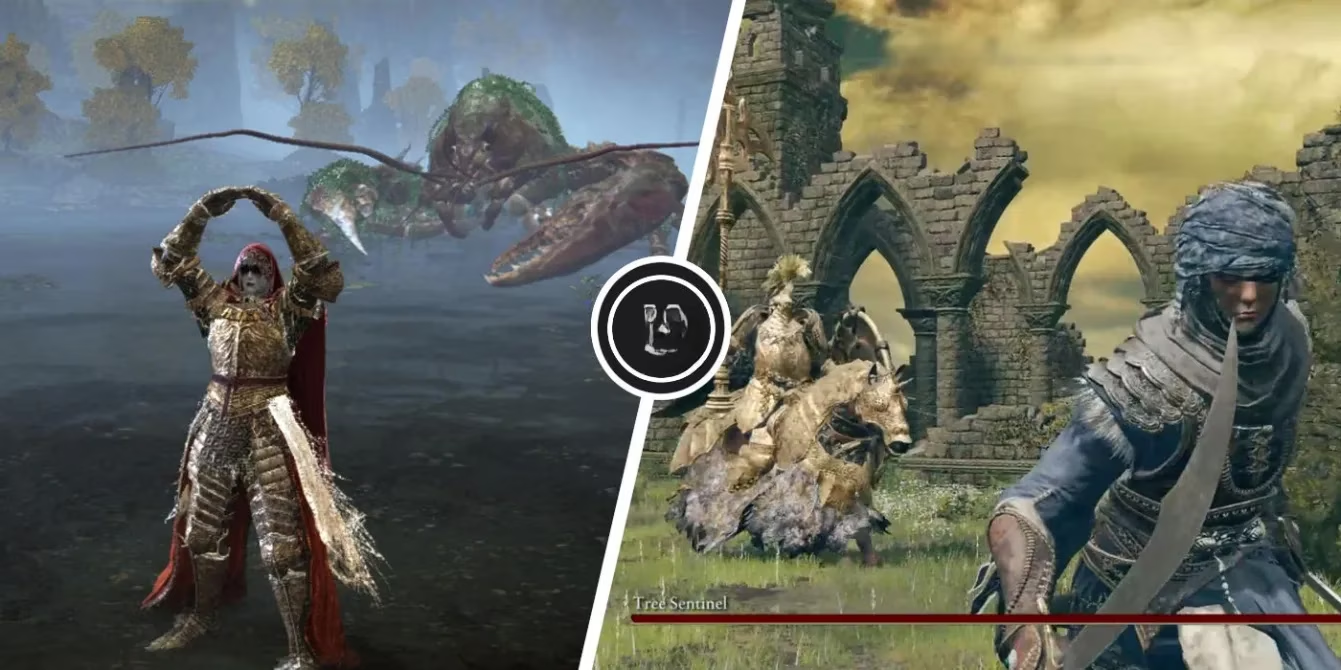
Of course, you can’t just drop this mod into your folder and expect it to work in an online environment. The creator made it abundantly clear that all online functionality must be disabled – Easy Anti‑Cheat must be switched off and the game must be locked in Offline Mode. At first I balked, worried that I’d lose the thrilling randomness of messages and bloodstains. But what I gained was far more valuable: peace of mind. The mod essentially turns Elden Ring into a purely solitary experience, and honestly, after dozens of playthroughs, I’ve come to prefer the silent beauty of an uncluttered world.
Setting everything up in 2026 is surprisingly painless, and the process hasn’t changed much since the mod’s inception. Here’s exactly how I did it, and how you can too:
Step 1: Lay the groundwork with the Anti‑Cheat Toggler and Offline Launcher
I downloaded these two tiny utilities from a well‑known modding hub and placed them directly into my Elden Ring ‘Game’ folder (that’s SteamLibrary\steamapps\common\ELDEN RING\Game). Running the launcher ensures that every session starts with EAC disabled and the game permanently offline. Without this step, the pause mod won’t function – it’s the bedrock of the whole setup.
Step 2: Install the Elden Mod Loader
Next, I grabbed the Mod Loader. This clever tool automatically loads DLL‑based mods whenever Elden Ring launches, preventing conflicts between different utilities. I dropped its files into the same ‘Game’ directory. It’s a silent helper that works behind the scenes, but absolutely essential.
Step 3: Add the Pause The Game mod
Finally, I downloaded the mod itself, which comes as a ZIP archive. I extracted it and dragged every file straight into Elden Ring’s root folder, letting it overwrite the originals when prompted. A quick glance at the config file (pause_keybind.ini) revealed that the default pause key was indeed ‘P’ on my keyboard and ‘Start’ on my old Xbox controller. Out of curiosity I later tweaked it to a custom hex code from Microsoft’s Virtual Key Codes list, binding pause to a thumb button for instantaneous reactions. The instructions even included handy tables for translating controller inputs into hex – a nice touch for tinkerers.
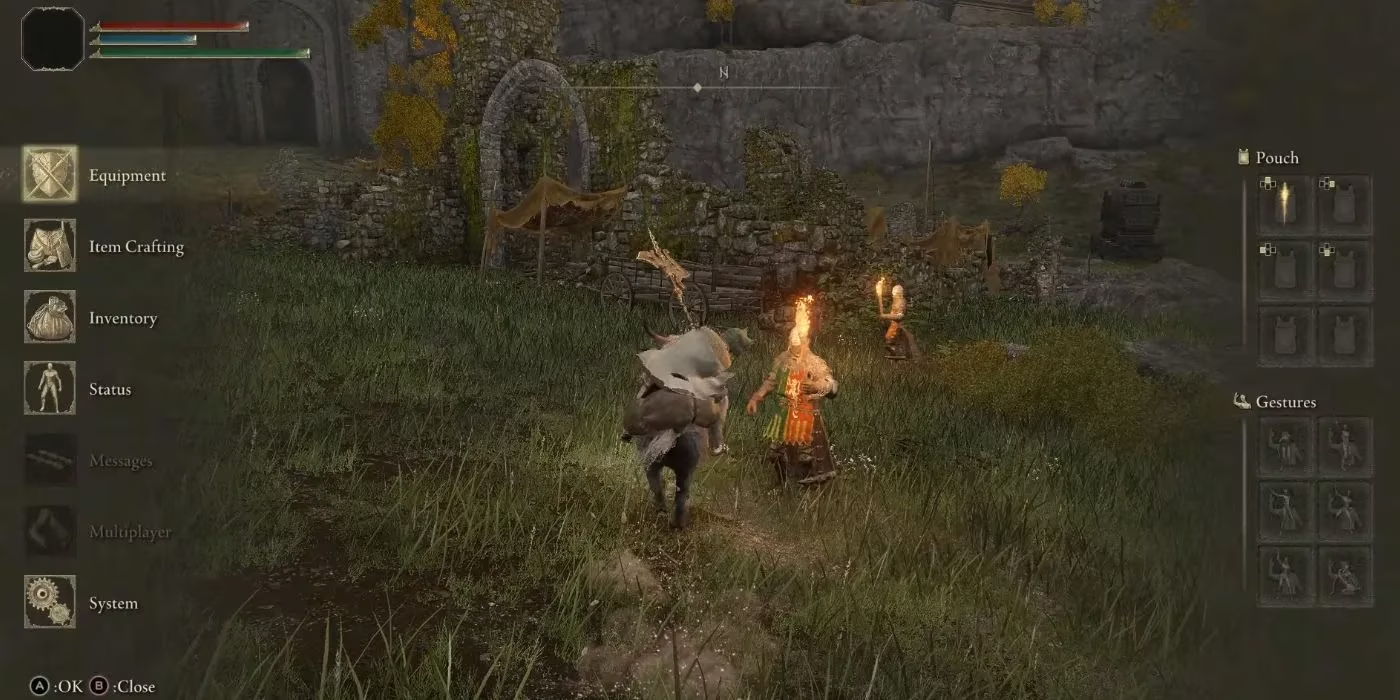
With everything in place, I booted up the game and pressed ‘P’. The screen froze. The ambient screams of a nearby erdtree guardian fell silent. I could finally take a sip of coffee, stretch my legs, or even tackle a quick household chore without returning to a ‘YOU DIED’ screen. The transformation was so profound that I almost felt like I was playing a different game – one that respected my time and my unpredictable real‑life schedule.
Over the following weeks I began to appreciate subtler benefits. I could study enemy attack patterns frame‑by‑frame during boss fights, treating the pause as a makeshift photo mode. I could peacefully sort through my inventory and talismans without hearing the telltale footsteps of a runebear creeping up behind me. And whenever a friend dropped by unexpectedly, I simply tapped ‘Start’ and the Lands Between waited patiently, exactly as it should have from the beginning.
It’s 2026 now, and I still see fellow Tarnished lamenting the lack of an official pause feature. But honestly, I’ve stopped waiting for a patch. This community‑built solution is elegant, stable, and completely transforms the way I interact with Elden Ring. If you treasure the single‑player adventure and value your sanity, I can’t recommend it enough. Just remember to disable online play, embrace the solitude, and finally give yourself permission to pause.
Comments